


Beginner Friendly Workshop:
Learn Professional AI Workflows with ComfyUI
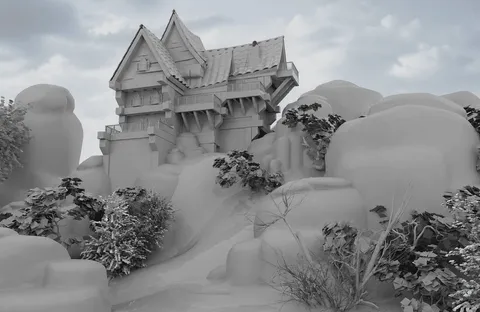
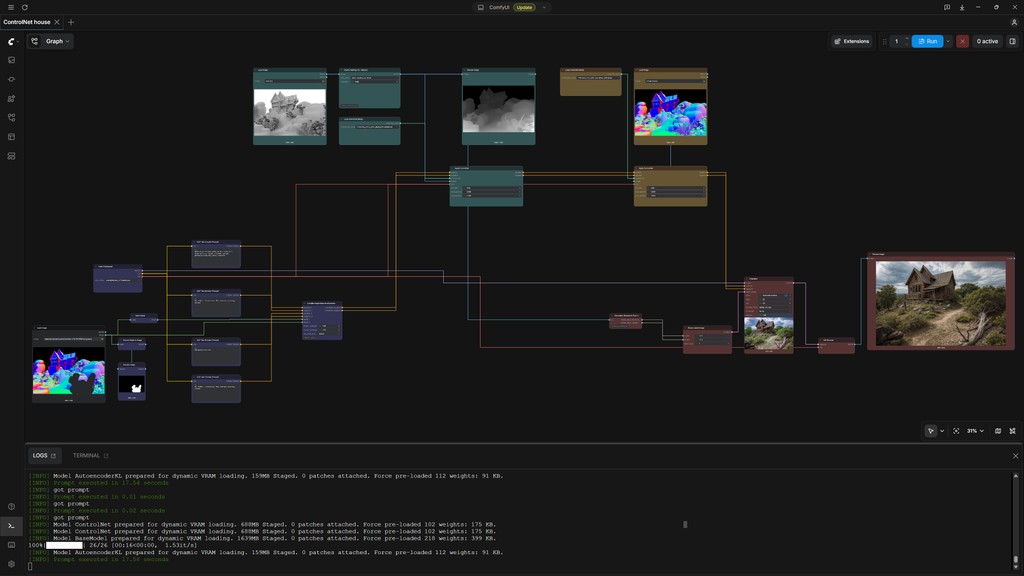

The AI Workshop for Artists Who Refuse to Leave Results to Chance
If you have ever been curious about generative AI, wanted to understand how it actually works, or wondered how it could fit into your own creative process, this workshop is designed for you. Across four live evenings, Eran Dinur takes you from the basic principles of image generation to practical ComfyUI workflows guided by references, sketches, masks, and 3D passes. No previous ComfyUI experience is required.
The real value is learning how an accomplished VFX supervisor approaches an image, solves visual problems, and decides what should change. With fewer than 16 participants, you will have the opportunity to ask questions, apply each technique, and receive professional feedback that no prerecorded tutorial can provide.







Four Evenings with Eran Dinur

Author & Educator
 Emmy & 2× VES Winner



When Accuracy Matters More than Surprise
Many AI tools hide the creative process behind a single prompt. That can be useful for experimentation, but it becomes limiting when you need to preserve a composition, refine one specific area, or repeat a visual direction.
ComfyUI makes the process visible. Its node-based workflows allow you to understand how an image is created, adjust individual stages, and reuse successful methods across different projects.
Reference images, line drawings, masks, depth information, and 3D passes can guide the result. InvokeAI then allows you to edit, remove, replace, or extend selected areas.
Instead of asking AI to start over, you can keep what works and change what does not.
Generative AI for Visual Creators
ComfyUI can appear complex at first. Eran makes its logic approachable by showing how individual tools connect within a complete creative workflow. You will follow each process live and apply it through practical projects.
Across four sessions, you will progress from diffusion fundamentals to methods for directing and refining images with greater precision. Each technique is introduced through a specific visual problem, helping you understand what it does and when to use it.
The result is a practical foundation you can adapt across visual development, image editing, compositing, and 3D workflows, with a clear understanding of how each method supports the creative process.
Book Your Place
with Eran Dinur
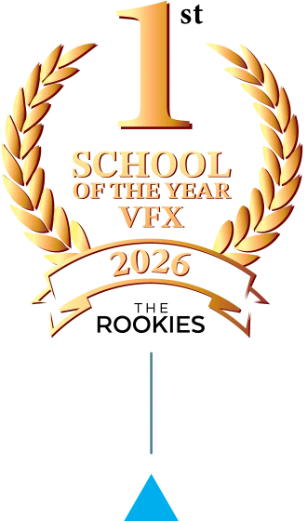
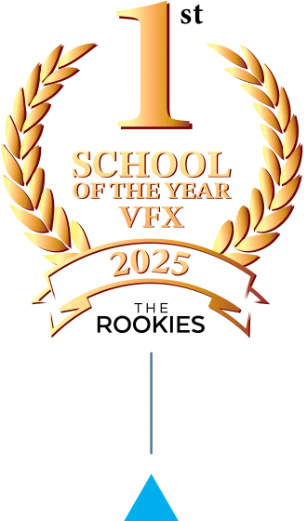
The opportunity to learn directly from a professional of Eran’s calibre is rare. Book now for a combination you will not find anywhere else: Eran’s expertise, live through PIXL VISN, ranked the world’s number one VFX school by The Rookies in 2025 and 2026.
Built for Artists Who Want More Control
This workshop is for artists and creative professionals who want to move beyond unpredictable results and understand how generative images can be shaped, refined, and integrated into a practical visual workflow.
Previous experience with ComfyUI or InvokeAI is not required. The workshop begins with diffusion fundamentals and develops toward more advanced 2D and 3D techniques, making complex processes approachable while explaining what each method does and when it can be useful.
Familiarity with digital image making tools will be helpful. The final session introduces Maya passes and compositing workflows, while the underlying principles of reference, structure, masking, and refinement remain relevant across many visual disciplines.
- Illustrators, designers, and concept artists
- Photographers and image retouchers
- 3D, animation, game, and VFX artists
- Texture, environment, and matte-painting artists
- Compositors and motion-design professionals
- Art directors and visual-development artists
- Creative technologists exploring open-source AI
- Anyone who wants more predictable and editable AI-generated imagery
Recognized by the Industry.
Proven by Our Students.
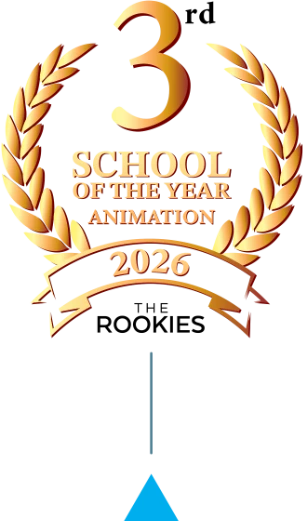
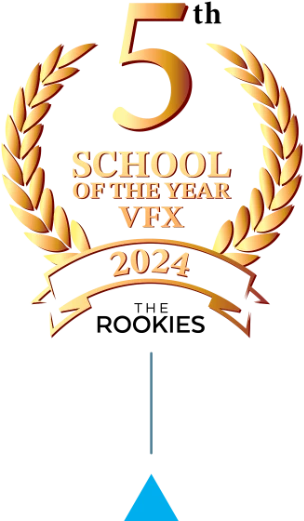
In 2025 and 2026, PIXL VISN was ranked the #1 VFX School in the World by The Rookies, one of the entertainment industry’s most respected educational rankings. Since 2018, we’ve consistently ranked among the Top 10 schools worldwide for VFX, 3D Animation, and Game Art. These awards aren’t based on marketing campaigns or advertising.
They’re earned through the quality of our students’ portfolios.
Four Sessions from First Workflow to Advanced Visual Control
The workshop provides a guided introduction to four important areas of generative AI. You will begin with a basic diffusion workflow, then explore ways to influence style, composition, editing, and detail.
Projects, reviews, and open Q&A sessions help you try each technique and understand where further learning could take you.
The first session begins with setup, onboarding, and an introduction to AI fundamentals. You will compare cloud-based generators with open-source diffusion tools and discover how ComfyUI gives artists greater visibility and control.
By building an image-generation workflow from scratch, you will learn what its essential nodes do, how they connect, and which parameters shape the result. The session includes a short hands-on project and an open Q&A.
Strong Artists Need Stronger Feedback
You can be an experienced artist and still be a beginner with AI. If your creative skills are already advanced, basic instruction is not enough. You need feedback from someone whose judgment has been proven at the highest level.
Emmy winner and two time VES Award winner Eran Dinur can challenge your decisions, identify what is holding the work back, and show you how to take your work further with insight that only someone of his calibre can provide.


Four Focused Sessions
PIXL VISN believes exceptional education should combine uncompromising professional standards with accessible pricing. That principle defines this workshop through four carefully structured sessions, expert instruction, and a deliberately small live group.
Each session builds on the last, moving from clear explanation to practical application. With fewer than 16 participants, the experience remains focused, personal, and relevant to your creative goals.
You leave with practical knowledge and workflows you can continue developing long after the final session.
Before You Book
Do I need previous ComfyUI experience?
No. The workshop begins with the fundamentals and introduces each workflow step by step, so you can follow along without prior ComfyUI experience.
How is the workshop structured?
The workshop takes place across four live evening sessions. Each session lasts two focused hours and combines explanation, demonstrations, and practical application.
How many people will be in the workshop?
The group is limited to fewer than 16 participants, leaving time for questions, discussion, and individual feedback.
Which tools will we use?
The main AI applications are ComfyUI Desktop and InvokeAI Community Edition. You will also work with your preferred 3D and compositing or image-editing software.
Will I be able to ask questions and receive feedback?
Yes. The sessions are live, and the small group format gives you opportunities to ask questions, apply each technique, and receive professional feedback from Eran.
What if I am unsure whether my computer is suitable?
Email info@pixlvisn.com with details about your computer, GPU, and software, and we will help you check compatibility.
Turn Your Curiosity into Practical Experience
You do not need to know exactly where AI fits into your future before you begin. You only need the opportunity to explore it with an experienced instructor who can make the possibilities clear.
This workshop gives you direct experience with the tools, answers to your questions, and a clearer understanding of how generative AI could support your creative work.
Places are limited to fewer than 16 participants. Reserve your place and discover what you can create with Eran Dinur.